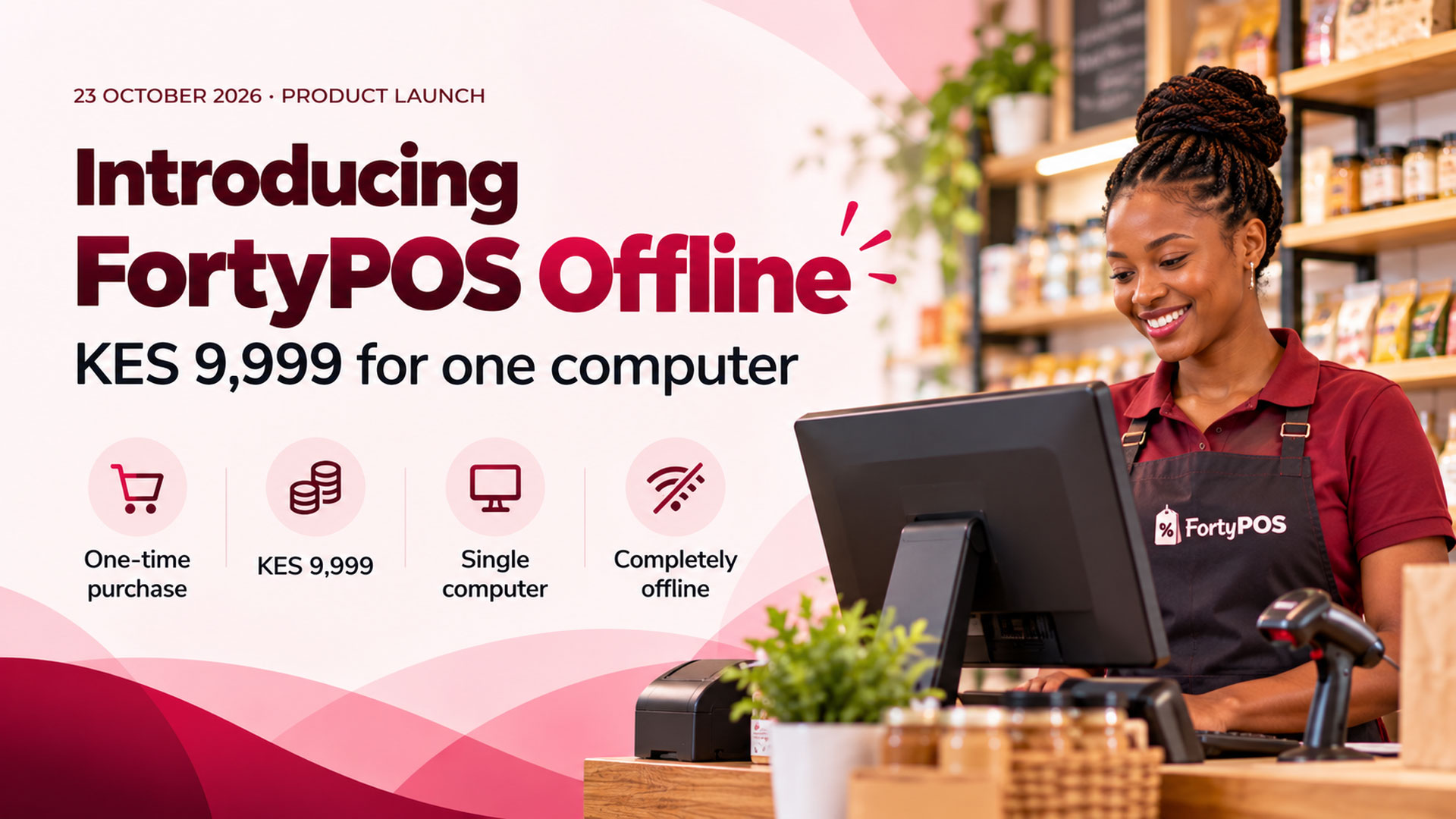
YananPOS Offline is a standalone Windows point-of-sale edition for business owners who prefer to keep everyday operations on one computer, without depending on an internet connection.
One-time standalone licence
SSP 445,000
Licensed for one computer. No recurring YananPOS cloud subscription is included.
Who is it for?
It is intended for businesses that want to operate locally from a single Windows PC, including premises where internet reliability is a concern. Its core proposition is local operation, not online access or multi-device synchronisation.
What is different from YananPOS SaaS?
- Offline: single-computer installation, normal use without internet, one-time licence. The customer is responsible for arranging safe local backups and maintaining their computer.
- SaaS: subscription service with online access and central platform maintenance performed by YananPOS, subject to the chosen plan and service terms.
Know what you are purchasing
The SSP 445,000 price covers the stated standalone licence, not unlimited future support, maintenance, upgrades, replacement-device activation or data recovery. Confirm installation arrangements, hardware compatibility, feature availability, support rates and backup procedures with the team before payment. Cloud-specific functionality and integrations should not be assumed to work offline.
Which edition should you choose?
Choose Offline when a single PC and independence from internet connectivity are your priorities. Choose YananPOS SaaS when you want a managed online service and prefer not to maintain the core hosting infrastructure yourself. Neither option removes the need for good passwords, backup discipline and device security.
Interested in the offline edition?
Speak with our team about a one-computer licence and the installation requirements.
Request an Offline Demo